
Allow users to share content from your email on their social media pages.
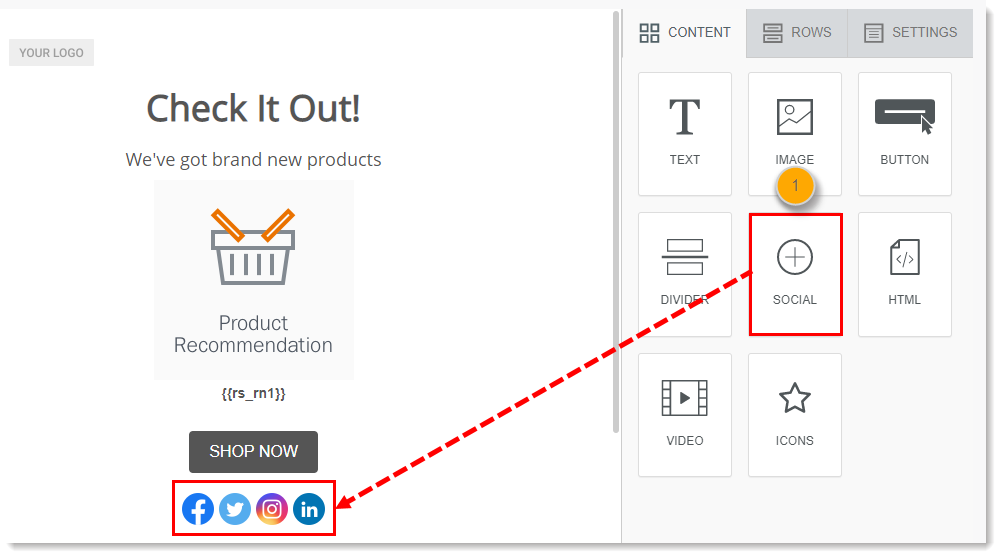
- From the Content menu, add a Social block to your email template.
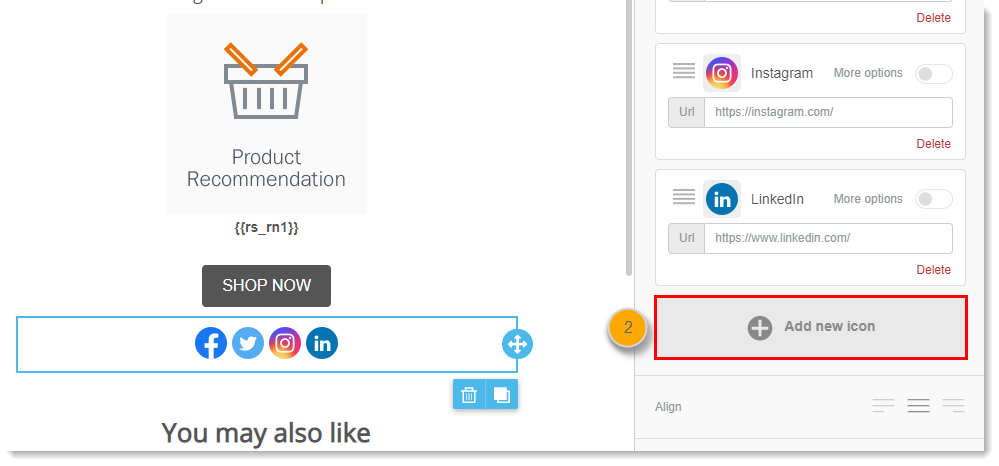
- Click on the block within your email template, and then click Add new icon from the menu on the right.
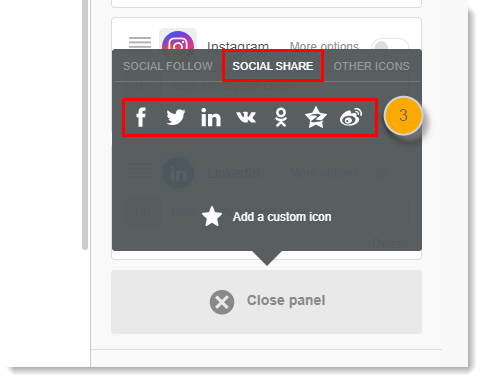
- Click the Social Share tab and select a social media icon from the list.
- Add the URL of the content you'd like to allow users to share.

Comments
0 comments
Please sign in to leave a comment.